AI Agent Workflow Automation: How Agents Run Your Processes
Date
Oct 26, 26
Reading Time
7 Minutes
Category
AI Agents
Share


Answer Box
AI agent workflow automation uses agents to run multi-step business processes by interpreting context, deciding what action should happen next, and using connected tools or business systems. Unlike fixed scripts, agents can respond to changing inputs, handle defined exceptions, and continue toward a clear outcome while staying within configured permissions and human approval rules.
AI agent workflow automation helps operations teams handle processes that fixed automation often cannot complete on its own. Many workflows already use RPA, rules, scripts, forms, system triggers, and manual handoffs.
Problems appear when information is missing, requests are unstructured, several systems must be checked, or human approval becomes necessary. Employees then step back into the process.
Traditional automation still works well for predictable tasks. AI agents extend automation to workflows that require decisions, variable inputs, tool use, and defined exception handling while keeping human control where needed.
What Is AI Agent Workflow Automation?
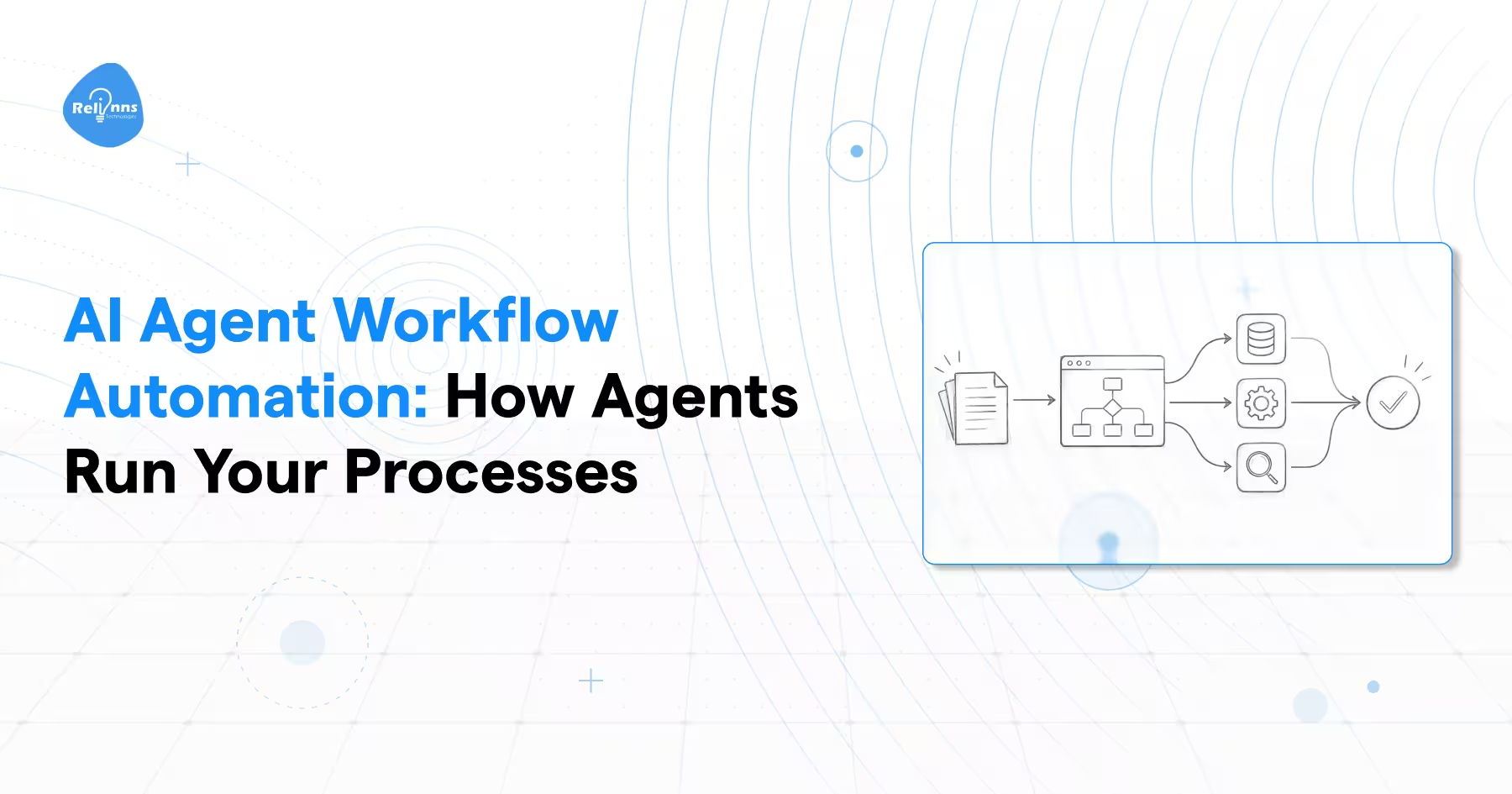
AI agent workflow automation uses an agent to move a business process from a defined trigger toward an expected outcome. The agent can interpret available information, decide the next permitted step, use connected systems, and respond when the process does not follow one fixed path.
A typical workflow contains:
- A trigger
- Required information
- Decisions
- Actions
- Business systems
- Exceptions
- Approval points
- An expected outcome
Within those boundaries, the agent can retrieve data, request missing information, update systems, choose an approved action, or escalate the case to a person.
The difference from scripted automation is important. Traditional automation asks which predefined rule should execute next. Agent-driven automation uses the current context to determine which permitted action should happen next.
This does not mean giving the agent unrestricted control. Permissions, approval rules, data access, stop conditions, and escalation requirements still define what the agent is allowed to do.
That controlled ability to respond to changing process conditions is what makes agentic process automation useful for workflows that cannot be reduced to one predictable sequence.
AI Agents vs RPA vs Traditional Automation
AI agents and RPA solve different automation problems. The right choice depends on how predictable the workflow is. Traditional automation works best when rules stay stable. RPA handles repetitive system actions. AI agents become more useful when a process contains changing information, decisions, and exceptions.
| Area | Traditional Automation | RPA | AI Agents |
|---|---|---|---|
| Best Fit | Stable rules and system events | Repetitive interface-based tasks | Variable workflows requiring interpretation and decisions |
| Decision Method | Predetermined logic | Predetermined steps | Context-based decisions within defined controls |
| Input Type | Mostly structured | Mostly structured | Structured and unstructured |
| Exceptions | Usually routed to people | Often requires manual handling | Can handle defined exceptions or escalate |
| System Interaction | APIs and workflow tools | User interfaces and applications | APIs, tools, knowledge sources, and business systems |
| Adaptability | Low | Low to moderate | Higher within configured boundaries |
| Human Approval | Workflow dependent | Workflow dependent | Can be included at sensitive decision points |
| Best Choice When | Process rarely changes | Task is repetitive and deterministic | Process contains variation, context, and several possible paths |
When RPA Still Makes Sense
RPA remains practical when the process is stable, and the same actions need to be repeated accurately across applications.
- Steps are repetitive
- Inputs are predictable
- Rules rarely change
- Interface actions repeat at scale
Replacing these workflows with agents may add complexity without improving the outcome.
When AI Agents Make More Sense
AI agents vs RPA becomes an important decision when the workflow cannot be reduced to one fixed sequence.
Agents are better suited when the process requires:
- Interpreting unstructured information
- Choosing between several valid actions
- Gathering information from different systems
- Handling defined exceptions
- Deciding when human intervention is required
The practical choice is based on process variability. Keep deterministic work with traditional automation or RPA. Consider agents when context and changing conditions determine what should happen next.
High Value Workflows to Automate With AI Agents
Good candidates are workflows with a clear outcome but variable paths to reaching it. The strongest opportunities usually involve repeated manual effort, several systems, frequent handoffs, and exceptions that prevent fixed automation from completing the process without human help.
These AI agent uses highlight practical workflows where agent-based automation can deliver measurable value.
| Workflow | Where Manual Work Appears | What the Agent Can Handle |
|---|---|---|
| Employee Onboarding | Gathering information, checking documents, coordinating systems | Collect information, check requirements, trigger tasks, route exceptions |
| Customer Onboarding | Missing information, document collection, system updates | Request missing data, verify required steps, update connected systems |
| Document Chasing | Repeated follow-ups and status checking | Detect missing documents, request them, track completion |
| Exception Resolution | Employees investigate why a process stopped | Collect context, check systems, apply approved resolution paths |
| Reconciliation | Comparing records across systems | Retrieve records, identify mismatches, route unresolved cases |
| Support Operations | Requests require data from several systems | Gather context, perform approved actions, escalate complex cases |
| Approval Workflows | Employees manually gather evidence before review | Collect required information and prepare cases for human approval |
What Makes a Workflow High Value?
A strong candidate for AI agents for workflow automation usually has measurable work that is difficult to complete through one fixed sequence.
Look for:
- High manual effort
- Frequent handoffs
- Several connected systems
- Repetitive information gathering
- Predictable exception categories
- Delays caused by waiting for decisions
- Clear success conditions
These signals help teams identify where agentic process automation can reduce manual intervention without removing necessary controls.
What Should Not Be Automated First?
Not every process should become the first agent project.
Avoid starting with workflows where:
- Success cannot be clearly defined
- Permissions remain unclear
- Required data is inaccessible
- Exceptions are poorly understood
- Incorrect actions could create unacceptable risk
The first workflow should be narrow enough to test but valuable enough to justify implementation.
How AI Agent Workflow Automation Works
AI agent workflow automation follows a controlled sequence from trigger to completion. The agent gathers context, decides the next approved action, uses connected systems, and keeps the process moving until the expected outcome is reached or human involvement is required.
1. Trigger
A defined event starts the workflow.
- Customer request
- New document
- CRM change
- Support ticket
- Scheduled process
- Business system event
The trigger determines which process begins and what information the agent should collect first.
2. Context Collection
The agent gathers the information needed to understand the current situation.
This context may come from:
- User input
- Business systems
- Documents
- Knowledge sources
- Previous workflow state
The agent should only access information permitted for that workflow.
3. Decision
The agent evaluates the available context, business rules, and permitted actions to determine what should happen next.
The decision may involve continuing the process, requesting information, taking an approved action, or escalating.
4. Tool or System Action
The agent then interacts with approved systems.
Possible actions include:
- Retrieve a record
- Update a CRM
- Generate a document
- Request missing information
- Trigger another workflow
- Submit a case for approval
5. Human Approval or Escalation
Some decisions should remain under human control. Sensitive, uncertain, or restricted actions can pause until an authorized person reviews them.
Human involvement is therefore part of good workflow design rather than a sign that automation failed.
6. Continue Until Completion
The cycle continues until the expected outcome is reached, a defined stop condition occurs, or human intervention becomes necessary.
Where Orchestration Fits
When several agents must coordinate work, share state, or pass tasks between one another, AI agent orchestration becomes relevant.
This workflow layer focuses on completing the business process rather than explaining how several agents coordinate internally.
How Do You Start Automating a Workflow With AI Agents?
A successful rollout starts with one clearly defined process. The goal is to prove that the agent can complete useful work reliably before adding more systems, decisions, and operational complexity.
1. Choose One Workflow
Start with a process that is narrow enough to evaluate properly.
Look for:
- Clear inputs
- Defined outcome
- Measurable pain
- Accessible systems
- Known exceptions
Avoid starting with company-wide automation. A focused workflow makes success easier to define and failures easier to diagnose.
2. Map the Current Process
Document how the workflow operates today.
- Trigger
- Steps
- Systems
- Decisions
- Manual handoffs
- Exceptions
- Approval points
- Final outcome
This shows where manual effort occurs and where an agent can take useful action.
3. Define Agent Boundaries
Set clear operational limits before giving the agent access to business systems.
Define:
- Decisions the agent can make
- Systems it can access
- Permitted actions
- Actions requiring approval
- Mandatory escalation conditions
4. Connect the Required Systems
Identify every API, database, document source, application, and knowledge system needed to complete the workflow.
Only connect systems that are necessary for the defined process.
5. Build a Proof of Concept
Test one narrow workflow before increasing scope.
The proof of concept should show whether the agent can complete the process reliably under expected conditions and known exceptions.
6. Measure the Right Outcomes
Track outcomes that show whether automation is actually working.
- Completion rate
- Processing time
- Human intervention
- Exception rate
- Error rate
- Cost per completed workflow
Use observed results rather than assumed savings.
7. Expand Only After Validation
Add workflows only after the first process has clear success criteria and acceptable reliability.
For teams looking to build agent-based workflows without extensive coding, no-code AI agents can provide a practical approach to getting started with workflow automation.
Frequently Asked Questions
What is AI agent workflow automation?
AI agent workflow automation uses agents to run multi-step business processes by interpreting context, making approved decisions, using connected tools, taking actions, handling defined exceptions, and escalating when human input or approval is required.
How is AI agent workflow automation different from RPA?
RPA follows predetermined steps and works best for stable, repetitive tasks. AI agents are better suited to workflows where the next action depends on changing context, unstructured information, business rules, or exceptions.
What workflows can AI agents automate?
AI agents can support onboarding, document collection, reconciliation, support operations, exception resolution, and approval workflows. Strong candidates usually have a clear outcome but require different actions depending on information, system responses, or process conditions.
Do AI agents replace existing automation tools?
No. AI agents can work alongside RPA, workflow platforms, APIs, scripts, and existing business systems. Traditional automation can continue handling predictable tasks while agents manage parts of the process that require interpretation and decisions.
How do I get started with AI agent workflow automation?
Start with one clearly defined workflow. Map its inputs, systems, decisions, exceptions, and approval points. Set agent boundaries, build a focused proof of concept, measure reliability, and expand only after the first workflow performs consistently.
Final Verdict
AI agents are most useful when a business process has a clear outcome but cannot be completed through one fixed sequence. They can interpret changing information, choose approved actions, work across connected systems, handle defined exceptions, and involve people when judgment or authorization is required.
The starting point should still be narrow. Choose one workflow, define its boundaries, connect only the systems it needs, and measure whether it performs reliably before expanding.