AI Agent Development: Process, Steps & What's Involved
Date
Oct 01, 26
Reading Time
12 Minutes
Category
AI Agents
Share


TLDR
- AI agent development turns a defined workflow into a system that can use data, tools, memory, and business logic to complete approved tasks.
- The process typically covers scoping, data preparation, model and tool selection, architecture, guardrails, testing, deployment, and monitoring.
- Teams should start with one clear workflow, define system access and permissions, and set human approval points before increasing autonomy.
- Testing should cover normal tasks, failed tools, restricted actions, incorrect inputs, and unusual conditions before wider production use.
- After deployment, teams should track task success, tool usage, cost, errors, permissions, escalations, and human overrides.
- Relinns AI agent development services support teams moving from planning into implementation.
AI agent development is the process of turning a defined business workflow into a system that can interpret inputs, make decisions, use tools, and complete approved actions.
The difficult part is not choosing a model. It is deciding what the agent should do, which data and systems it can access, where human approval is required, and how performance will be tested after launch.
This guide breaks down the AI agent development process from scoping and architecture to testing, deployment, and ongoing monitoring.
What Is AI Agent Development?
AI agent development is the process of designing, building, integrating, testing, deploying, and operating an AI system that can complete defined tasks using models, data, tools, memory, and business logic.
A complete development lifecycle usually covers the following areas.
Workflow Definition
Define the task, trigger, expected outcome, and conditions that determine when the agent has completed its job successfully.
Model and Knowledge Selection
Choose the model based on reasoning needs, latency, context requirements, operating cost, and the business information the agent needs.
System Integration
Connect the agent with approved CRMs, ERPs, databases, APIs, scheduling systems, or internal applications required to complete the workflow.
Memory and Permissions
Determine what context the agent should retain and specify which information, systems, tools, and actions it is authorized to access.
Guardrails and Human Oversight
Set clear limits for independent actions and identify where validation, escalation, or human approval is required.
Testing and Deployment
Test normal requests, unusual inputs, failed integrations, restricted actions, and system errors before introducing the agent into production.
Production Monitoring
Track task completion, errors, tool usage, escalations, cost, and operating behavior after launch.
Together, these stages form the AI agent development lifecycle.
If you need the underlying concept first, read what AI agents are.
If your workflow is already defined and implementation is the next step, explore Relinns AI agent development services.
Why Do Businesses Develop AI Agents?
Businesses usually develop AI agents when a workflow requires the system to act on information rather than simply generate a response.
PwC's May 2025 survey of 300 senior executives found that 88% planned to increase AI budgets because of agentic AI. Among companies adopting agents, 66% reported increased productivity and 57% reported cost savings.
Customer Request Triage
An agent can classify incoming requests, retrieve relevant customer information, and route each case according to predefined business rules.
Sales Operations
Agents can qualify information, update CRM records, schedule approved follow ups, and trigger the next stage of a sales workflow.
Internal Knowledge Access
An agent can retrieve approved company information and use it to support a defined business task.
IT Operations
Agents can review alerts, gather system information, initiate permitted actions, and escalate incidents when required.
Scheduling and Coordination
An agent can check availability, apply scheduling rules, create appointments, and update connected systems.
Data Processing
Agents can validate, classify, summarize, and move information between approved business applications.
Multi-System Workflows
Some workflows depend on several applications. An agent can coordinate approved actions across those systems while maintaining the required workflow logic.
This becomes particularly important when deploying enterprise AI agents across multiple systems, teams, and permission levels.
The strongest use cases have clear workflow ownership, defined system access, measurable completion criteria, and explicit boundaries for human control.
Key Decisions Before You Build an AI Agent
Before selecting frameworks or models, teams need to decide how the agent will operate inside the business.
These choices determine the architecture, integrations, testing requirements, and level of autonomy the system can safely receive.
Teams that need external implementation support can also evaluate top AI agent development companies based on their experience with integrations, security, and production deployment.
Define the Workflow and Outcome
Start with one clearly defined process.
Determine what triggers the agent, what information it receives, what actions it can complete, and what result marks the workflow as finished.
A customer support agent might own ticket classification and routing without also controlling refunds, account deletion, and billing adjustments.
Keeping responsibility focused makes evaluation easier and reduces unnecessary technical scope.
A clearly defined workflow can also help teams determine whether a custom AI agent or off-the-shelf solutions are the better fit for the required use case.
Select Models and Knowledge Sources
The model should fit the task rather than determine the task.
Consider reasoning requirements, response time, context capacity, input types, operating cost, and security requirements.
Teams also need to decide how the agent gets business knowledge.
Retrieval can provide access to current or private information. Fine-tuning may be useful when validated behavior, terminology, formatting, or task performance needs additional adaptation.
Connect Business Systems and Tools
An operational agent often needs access to business systems rather than only a language model.
These connections can include:
- CRMs
- ERPs
- Databases
- Scheduling platforms
- Support systems
- Internal applications
- Business APIs
Each integration should define what the agent can read, what it can change, and how failures are handled.
Design Memory and Permissions
Memory determines what context the agent retains during or across tasks.
Permissions determine which information and actions are available to the system.
Teams should define whether information should remain only within the current task or persist across later interactions.
Access should remain limited to what the workflow actually requires.
Establish Guardrails and Human Oversight
Not every decision should be autonomous.
Specify which actions the agent can perform independently, which require validation, which require human approval, and which actions must remain unavailable.
These boundaries should be defined before development moves into production implementation.
The AI Agent Development Process
The AI agent development process turns a defined workflow into a production system that can use business data, make decisions, call approved tools, and complete tasks within clear operating limits.
The lifecycle usually moves through six connected stages.
| Step | What It Covers |
|---|---|
| 1. Define Scope and Goals | Set the workflow, users, required data, and success criteria |
| 2. Gather and Prepare Data | Clean, organize, validate, and control access to required information |
| 3. Select Models, Frameworks, and Tools | Choose models, frameworks, retrieval methods, and business integrations |
| 4. Design Architecture and Guardrails | Define orchestration, memory, permissions, tools, and human approval |
| 5. Build and Test | Develop components and test accuracy, tool use, safety, and unusual cases |
| 6. Deploy, Monitor, and Improve | Launch gradually, measure production behavior, and refine the system |
Step 1: Define Scope and Goals
Development starts by deciding exactly what the agent should own.
Define four things first.
- Problem: What specific task should the agent complete?
- Users: Who will interact with the agent or depend on its output?
- Required data: What information must the agent read or receive?
- Completion condition: What result proves that the task has been completed correctly?
A focused scope makes errors easier to diagnose and gives the team a clear way to measure performance.
Step 2: Gather and Prepare Data
Once the workflow is defined, identify the information required to complete it accurately.
Data preparation can include:
- Collecting relevant business information
- Removing outdated or duplicate content
- Correcting known errors
- Standardizing formats
- Identifying missing information
- Defining access permissions
- Preparing validated examples for testing
Not every AI agent requires model training.
Many systems use existing models together with APIs, structured data, retrieval, and workflow logic.
For voice or multimodal agents, test data should also represent the types of inputs expected in production.
Step 3: Select Models, Frameworks, and Tools
Technology selection should follow the workflow requirements.
Teams should consider:
- Reasoning requirements
- Response speed
- Context capacity
- Operating cost
- Security requirements
- Required integrations
- Input types such as text, voice, or images
Agent frameworks can manage state, workflows, tools, and coordination.
Language models provide reasoning and language capabilities. Business tools connect the agent with CRMs, ERPs, databases, scheduling systems, support platforms, and internal applications.
Retrieval is useful when the agent needs current or private business knowledge.
Fine-tuning may be considered when validated task behavior needs additional adaptation.
Step 4: Design Architecture and Guardrails
Architecture determines how a request moves through the agent, which information it can access, which tools it can use, and where human control is required.
A typical design includes:
- Interface: Where the request enters the system
- Orchestration: How the next action or workflow path is selected
- Tools: APIs and functions used to retrieve information or perform actions
- Memory: Context required to complete the task
- Knowledge Access: Approved information sources available to the agent
- Permissions: Limits on data access and actions
- Human Oversight: Conditions that require review or approval
Security controls should exist independently of prompts.
Telling an agent not to perform a restricted action is not the same as technically preventing that action. Permissions, validation, and approval rules should enforce those boundaries directly.
Step 5: Build and Test
Once the architecture is defined, development can move into implementation. If the required expertise is not available in-house, teams can hire AI agent developers to handle implementation, integrations, and testing.
Build individual components first, connect them, and then test the complete workflow before increasing the agent's access or autonomy.
Testing should measure:
- Task success
- Response latency
- Operating cost
- Tool selection accuracy
- Correct parameter usage
- Accuracy and relevance
- Permission compliance
- Escalation behavior
- User effort
Testing should also cover missing information, incorrect inputs, unavailable tools, restricted requests, and unusual conditions.
Human evaluation is useful when correctness depends on judgment.
Red team testing can identify prompt injection risks, unsafe tool use, and weaknesses around permission boundaries.
Step 6: Deploy, Monitor, and Improve
Deployment should expand gradually after testing shows that the agent meets defined performance and safety requirements.
A practical progression can include:
- Controlled testing with restricted tools
- Limited use by selected internal users
- Restricted production access with close monitoring
- Broader access after performance remains within accepted limits
Production monitoring remains part of the AI agent development lifecycle.
Track:
- Task completion
- Failed actions
- Tool calls
- Response latency
- Operating cost
- Escalations
- Human corrections
- Permission failures
- Changes in workflow behavior
The main question is simple:
Is the agent still completing the task it was approved to perform within the required controls?
The answer should guide future changes to prompts, tools, permissions, data sources, workflows, and architecture.
Guardrails and Governance in AI Agent Development
As an agent gains access to business data, tools, and actions, the risk profile changes.
A system that can update records, trigger workflows, or execute code needs controls that define what it can access, what it can do, and when a person must intervene.
Why Guardrails Are Needed
Guardrails protect the workflow from incorrect instructions, unsafe actions, unauthorized access, and unexpected model behavior.
They should be designed alongside the agent rather than added after deployment.
Prevent Prompt Injection
Malicious or manipulated inputs may attempt to override instructions or redirect the agent toward unauthorized actions.
Protect Sensitive Data
Access controls should limit the agent to the information required for the current task.
Limit Unintended Actions
Approval rules, action limits, and stop conditions prevent the agent from continuing unsafe or incorrect sequences.
Enforce Business Rules
Critical conditions should be implemented through permissions, validation, and workflow logic rather than model judgment alone.
A payment agent may be allowed to read transaction information but require employee approval before changing account details or initiating a refund.
Layers of Protection
No single control addresses every failure mode.
Strong governance combines several layers to limit the effect of incorrect instructions, system failures, and unauthorized actions.
Input Validation
Check requests for malicious instructions, unsupported formats, or content that should never enter sensitive workflows.
Permission Controls
Define which users, tools, data sources, and actions the agent is authorized to access.
Action Validation
Verify important parameters and business conditions before allowing an action to run.
Output Filtering
Review responses when sensitive information, regulated content, or restricted data could be exposed.
Human Approval
Require authorized confirmation before financial, operational, security, or other high-impact actions.
Monitoring and Audit
Record tool calls, approvals, failures, escalations, and completed actions so teams can investigate unexpected behavior.
Guardrails also require regular testing.
New integrations, model changes, workflow updates, and new attack patterns can introduce risks that were not present during the original build.
Best Practices and Common Pitfalls in AI Agent Development
Once the agent has clear controls, development quality depends on how the workflow is scoped, tested, monitored, and expanded.
Teams should increase capability gradually and use production behavior to decide what the agent should be allowed to do next.
Best Practices
Reliable AI agent development starts with clear operating rules.
Start With One Workflow
Give the agent one clear responsibility before expanding into related tasks.
Define Tool Interfaces Clearly
Every tool should have approved inputs, expected outputs, permissions, failure handling, and a clear purpose.
Keep Instructions Explicit
Specify the task, allowed actions, escalation conditions, missing information rules, and completion criteria.
Build Guardrails Early
Permissions, validation, approval conditions, and logging should be part of the architecture from the beginning.
Test the Complete Workflow
Evaluate normal tasks, incorrect inputs, failed integrations, restricted actions, unusual conditions, and adversarial requests.
Monitor Production Behavior
Track success, failures, tool use, escalations, human corrections, and unexpected patterns after launch.
Increase autonomy only after the existing workflow performs consistently within its approved boundaries.
Common Pitfalls
Many agent failures come from design decisions rather than model capability.
Overloading One Agent
Too many responsibilities make behavior harder to test, explain, and control.
Treating Prompts as Enforcement
Prompts can guide behavior, but access restrictions and business rules need technical controls.
Adding Too Many Tools
Every additional integration introduces more permissions, failure conditions, and security requirements.
Skipping Stop Conditions
The workflow should define when the agent succeeds, fails, retries, stops, or escalates.
Expanding Autonomy Too Early
Giving an agent broader action rights before it performs reliably increases operational risk.
Ignoring Human Escalation
Some requests require judgment, approval, or authority that should remain with a person.
Monitoring Only Outputs
Teams should also inspect tool calls, failed actions, permission errors, and workflow paths.
Building reliable agents requires clear scope, controlled access, structured testing, measurable success criteria, and continuous review after deployment.
What Happens After an AI Agent Is Deployed?
Deployment does not complete the AI agent development lifecycle.
Once the system enters real workflows, teams begin seeing behavior that controlled testing may not reveal. Models, APIs, business data, user behavior, permissions, and operating rules can all change after launch.
Review Task Failures
Start with workflows the agent fails to complete correctly.
Repeated failures around the same tool, data source, or workflow stage often indicate a design or integration issue that needs attention.
Track Human Overrides
Human intervention provides useful production feedback.
If employees repeatedly correct the same decision or take control at the same point, review whether the agent lacks information, has unclear instructions, or has been given responsibility beyond its current capability.
Monitor Tool Performance
An agent can produce a reasonable response while still using the wrong tool or sending incorrect parameters.
Monitor which tools are called, whether actions succeed, how failures are handled, and whether the selected action matches the intended workflow.
Review Cost and Performance
Production usage can reveal costs that were difficult to estimate during testing.
Track model usage, tool calls, infrastructure consumption, task completion time, and operating cost.
Evaluate those costs against the business outcome rather than looking at model usage alone.
Recheck Permissions
Permissions should evolve with the workflow.
When systems, roles, or business rules change, confirm that the agent still has only the access required to perform its approved task.
Update Tests as the Workflow Changes
New business rules and integrations should become part of the evaluation process.
Important production failures should create new test cases so future changes can be evaluated against both original requirements and issues discovered after launch.
The lifecycle therefore continues through operation, measurement, testing, and improvement.
Future AI Agent Trends and Outlook
The next stage of AI agent development is focused on handling broader workflows while keeping systems observable, controlled, and maintainable.
Several developments are shaping how future agents may be designed and operated.
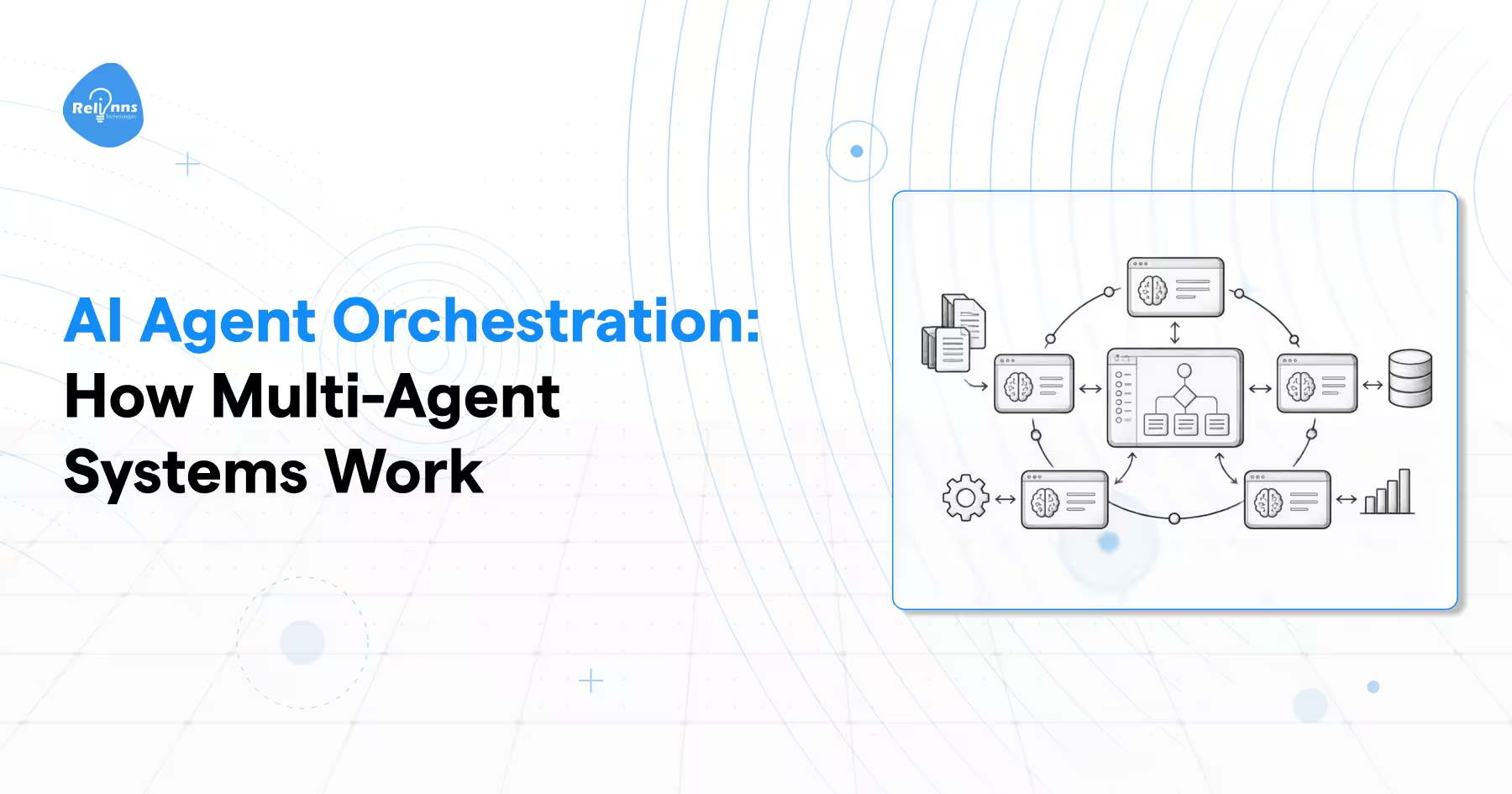
Multi-Agent Systems
Complex workflows can be divided between several specialized agents.
One agent might retrieve information, another evaluate it, and another perform an approved action.
This separation can make responsibilities clearer, but it also introduces additional coordination, testing, communication, and failure handling.
Teams should use multiple agents only when the workflow benefits from distinct responsibilities.
Agentic RAG
Agentic RAG gives an agent more control over how information is retrieved.
Instead of performing one fixed search, the system can decide which knowledge source to query, whether the result is sufficient, and whether another retrieval step is required.
This approach is useful when workflows depend on several knowledge sources, structured systems, or changing information.
Proactive Agents
Some agents can respond to approved events rather than waiting for a direct user request.
A system might react when inventory reaches a defined level, when an operational alert crosses a threshold, or when a customer workflow enters a specific state.
Proactive behavior requires strict trigger conditions, permissions, stop rules, and monitoring.
Greater Auditability
As agents perform more business actions, organizations need stronger records of what happened.
Useful audit data can include:
- Requests received
- Tools called
- Information accessed
- Approvals requested
- Actions completed
- Errors encountered
- Final outcomes
These records support debugging, security reviews, governance, and performance evaluation.
Stronger Governance Requirements
Governance will continue to influence architecture decisions.
Organizations need to consider privacy requirements, access controls, data retention, internal policies, approval rules, and applicable regulations before giving an agent broader authority.
The development objective is shifting from proving that an agent can perform a task to proving that it can perform that task consistently within defined business controls.
Final Thoughts
AI agent development is an ongoing lifecycle rather than a single technical implementation.
Teams need to define the workflow, connect the right data and systems, establish clear controls, test the complete process, and continue monitoring behavior after deployment.
The strongest projects start with one clearly defined business outcome.
Capability should expand only after the agent demonstrates that it can complete its assigned workflow reliably, use approved tools correctly, respect permissions, and escalate when required.
That keeps the AI agent development process measurable and makes future changes easier to evaluate.
Frequently Asked Questions
What is the difference between an AI agent and a chatbot?
A chatbot primarily handles conversational interactions. An AI agent can work toward a defined goal, use tools, access approved systems, maintain task context, and perform permitted actions within a business workflow.
How long does AI agent development take?
There is no fixed development timeline.
The effort depends on workflow scope, number of integrations, data readiness, security requirements, testing depth, and the level of autonomy required.
A focused workflow is generally easier to build and validate than a system spanning several business processes.
Do I need to train my own model?
No, Many AI agents use existing models through APIs or hosted infrastructure.
Fine-tuning may help when validated task behavior needs additional adaptation. Retrieval is more useful when the agent needs access to current, private, or frequently changing information.
What is the process for building an AI agent?
The process usually includes defining the workflow, preparing required data, selecting models and tools, designing architecture and guardrails, building the system, testing it, deploying gradually, and monitoring production behavior.
What metrics should I monitor in production?
Track metrics that show whether the agent is completing the intended workflow correctly.
Useful measures include task success, latency, operating cost, tool failures, incorrect outputs, escalation frequency, permission failures, human corrections, and user experience.
How do I make an AI agent more secure?
Use layered controls across the workflow.
This includes input validation, restricted tool access, role-based permissions, action validation, human approval for sensitive actions, monitoring, and audit logs.
Security rules should be enforced technically rather than relying only on prompts.
What is the difference between single agent and multi-agent systems?
A single agent handles the defined workflow itself.
A multi-agent system divides responsibilities across specialized agents such as retrieval, planning, execution, or validation.
This can support more complex workflows, but it also introduces additional coordination, testing, monitoring, and failure handling.
When should I use agentic RAG instead of fine-tuning?
Use agentic RAG when the agent needs current, private, or frequently changing information from one or more approved sources.
Fine-tuning is more relevant when model behavior, terminology, formatting, or task performance needs additional adaptation.